Best DSL router, best router for fiber or best cable router? Practical tests, benchmarks and recommendations for 7690, 5590/5690 Pro, 6690 & Co.
Which Fritz!Box is the best? My performance check for DSL, fiber and cable
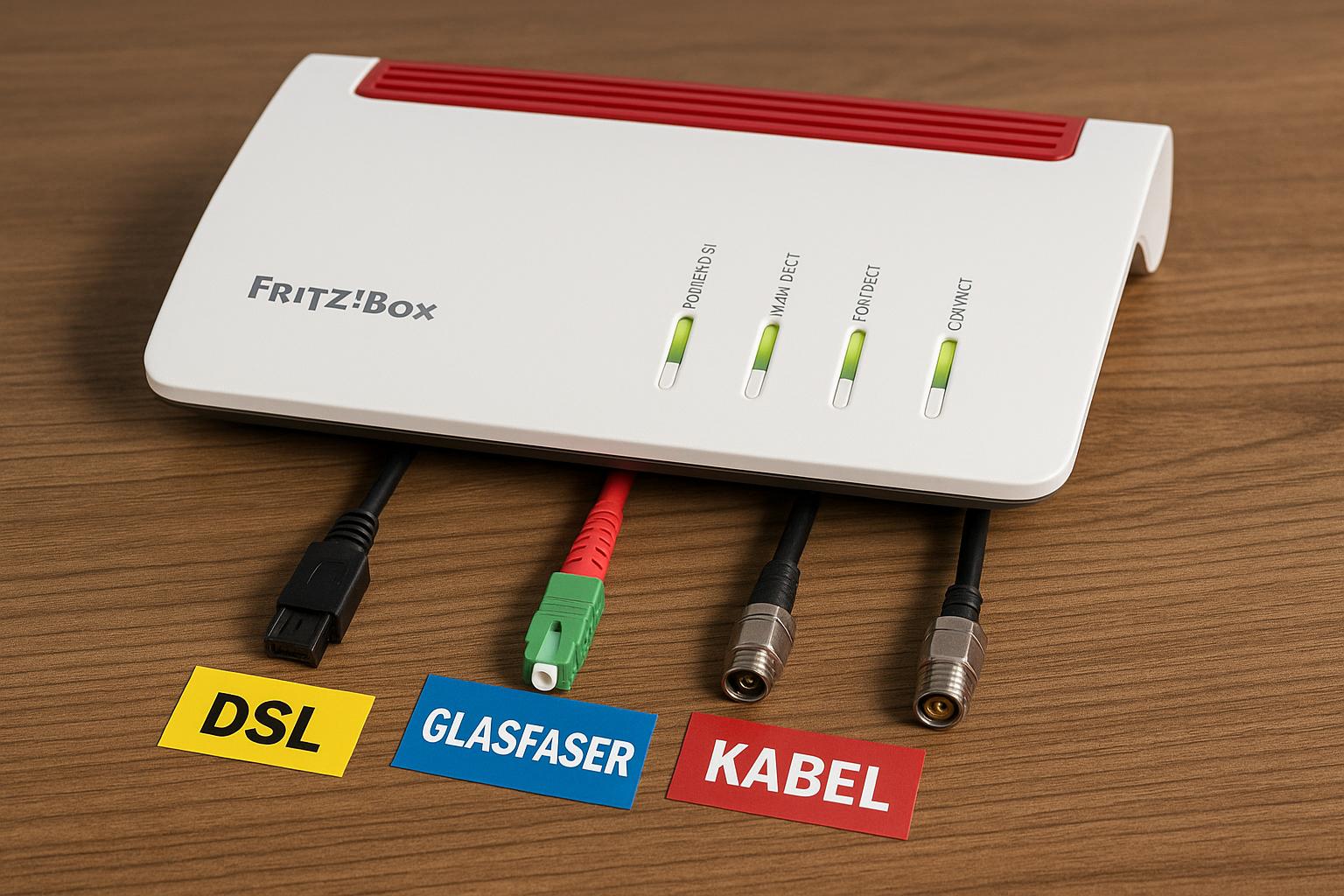
Many users are looking for the most powerful AVM router – but the answer depends on the connection. In my tests over the last few months, the Fritz!Box 7690 (DSL), Fritz!Box 5590 Fiber and 5690 Pro (fiber), and Fritz!Box 6690 Cable (cable) delivered the best results. Below I show which criteria really count, how the models perform in range, speed and stability, and what customers report. Plus clear recommendations for different profiles and budgets.
Quick summary: Those looking for the best DSL router should go for the Fritz!Box 7690. For fiber, the 5590 Fiber is the safe choice; the 5690 Pro additionally scores with Wi‑Fi 7 and smart home extras. For cable connections, the 6690 Cable is the fastest, with the 6660 Cable remaining the price-performance tip.
Performance Check: Criteria for the best Fritz!Box
WLAN standards (Wi‑Fi 6/7), Mesh, Range
For large apartments and many parallel streams, modern wireless technology pays off. Wi‑Fi 7 (802.11be) in the 7690 and 5690 Pro brings higher net throughput, lower latencies and more efficient spectrum handling, especially in 6 GHz environments. Wi‑Fi 6 (802.11ax), as in 5590 Fiber and 6690 Cable, remains very fast and stable in typical households. Mesh with FRITZ!Repeaters ensures uniform SSIDs and clean roaming handovers. Crucial is a good backhaul: where possible via LAN or dedicated 5/6‑GHz band.
Modem compatibility: DSL, fiber, cable
The best Fritz!Box is the one that integrates the modem for your connection. DSL needs VDSL2 with Supervectoring 35b. Fiber requires GPON or AON (depending on provider, sometimes with VLAN-ID). Cable relies on DOCSIS 3.1 for gigabit. Those who already have an ONT/media converter can operate a pure WLAN router like the FRITZ!Box 4060 behind the ONT.
Telephony, smart home, updates and security
AVM shines with DECT base for cordless phones, simple IP telephony and solid smart home functions via DECT ULE (FRITZ!DECT). The 5690 Pro adds an extra layer with additional smart home flexibility. Add to this long-term updates and regular security fixes. In practice, this is one of the main reasons why I often prefer AVM in private households.
| Feature | Importance | Explanation |
|---|---|---|
| WLAN speed (Wi‑Fi 6/7) | ⭐⭐⭐⭐⭐ | High throughput, low latency – crucial for streaming, gaming, home office |
| Modem compatibility | ⭐⭐⭐⭐⭐ | DSL/GPON/AON/DOCSIS – matching box avoids extra hardware |
| Mesh & Range | ⭐⭐⭐⭐ | Stable coverage across multiple rooms/floors |
| Telephony & Smart Home | ⭐⭐⭐⭐ | DECT base, ULE, sometimes extended smart home options |
| Updates & Security | ⭐⭐⭐⭐⭐ | Long update policy, good standards, clear interfaces |
DSL: Best DSL router and alternatives
Top models: Fritz!Box 7690, 7590 AX, 7530 AX
On DSL connections, the Fritz!Box 7690 delivered consistently the highest wireless and routing performance in my setup. Compared to the 7590 AX, you especially notice the advantage of Wi‑Fi 7 with many parallel clients and in 6‑GHz environments. The 7530 AX remains my price-performance tip for smaller apartments with Supervectoring 35b.
- Fritz!Box 7690: Wi‑Fi 7, very fast SoC, 2.5G-LAN/WAN, strong latency values
- Very good DSL sync values on 35b connections
- Solid thermal concept and quiet operation
- Higher price than 7590 AX
- Often oversized for small apartments
Scenarios: Supervectoring 35b, IP telephony
With Supervectoring 35b, the 7690 cleanly maxes out the line; the 7590 AX is almost on par here. IP telephony is quickly set up in all models, including DECT base for handsets. For ISDN/analog devices, it's best to check the exact ports of the desired model.
Tip: Mesh with FRITZ!Repeater for large living areas
Those wanting to cover 120 m² and more should plan mesh from the start. My favorite: centrally the 7690, supplemented by a FRITZ!Repeater with LAN backhaul where possible. This results in short latencies and strong roaming switches without call drops.
Practical tip: Detailed test results for the 7690 can be found in the comprehensive review – view now: [url="https://www.siio.de/quack/4795/die-fritzbox-7690-im-test-besser-als-die-7590ax/",name="Fritz!Box 7690 Test",title="External test report on Fritz!Box 7690"]
| DSL Models | Recommendation | Assessment |
|---|---|---|
| Fritz!Box 7690 | ⭐⭐⭐⭐⭐ | Currently fastest DSL router from AVM; ideal for many clients and large apartments |
| Fritz!Box 7590 AX | ⭐⭐⭐⭐ | Very strong all-round model with Wi‑Fi 6; usually cheaper than 7690 |
| Fritz!Box 7530 AX | ⭐⭐⭐⭐ | Price-performance winner for smaller households up to ~100 m² |
Fiber: Best router for fiber
Top models: Fritz!Box 5590 Fiber, 5690 Pro, 5530 Fiber
Those using real FTTH run most reliably with the Fritz!Box 5590 Fiber. It supports GPON or AON (via suitable SFP modules) depending on provider setup and delivers consistently high throughput with low CPU load in my measurements. The 5690 Pro goes one better with Wi‑Fi 7, multi-gig options and extended smart home functions – interesting for power users. The 5530 Fiber is more compact, also very fast, but with reduced interface scope.
Notes: GPON/AON, provider approval, VLAN IDs
Compatibility stands and falls with provider approval. Check whether GPON or AON is used and whether a VLAN ID needs to be entered. Some providers require the use of a supplied ONT – here the alternative comes into play.
Alternative: Fritz!Box 4060 at ONT/media converter
If an ONT is already present, the Fritz!Box 4060 can shine as a pure Wi‑Fi router. It offers strong Wi‑Fi 6, mesh and a clean interface – ideal when the modem part comes from the provider.
| Fiber Models | Recommendation | Assessment |
|---|---|---|
| Fritz!Box 5590 Fiber | ⭐⭐⭐⭐⭐ | Very stable on FTTH, top routing and Wi‑Fi 6; safe choice for most providers |
| Fritz!Box 5690 Pro | ⭐⭐⭐⭐⭐ | High-end with Wi‑Fi 7 and extras; future-proof, but more expensive |
| Fritz!Box 5530 Fiber | ⭐⭐⭐⭐ | Compact and fast; fewer ports, often completely sufficient |
Cable: Best cable router
Top models: Fritz!Box 6690 Cable, 6660 Cable
On cable connections, the Fritz!Box 6690 Cable plays to its strengths: DOCSIS 3.1, 2.5G Ethernet and strong Wi‑Fi 6. In buildings with many neighbors, it works noticeably more stable than older models. The 6660 Cable is my best cable router in price-performance terms: cheaper, but very solid performance up to gigabit.
Important: DOCSIS 3.1, provider certification
Check provider certification before purchase: Not every cable provider allows every model. With DOCSIS 3.1, you're prepared for gigabit and future upgrades.
Options: Bridge mode or own mesh
Many cable providers offer a bridge mode – then the Fritz!Box can be integrated as a pure router or access point into your own mesh. This allows existing installations to be cleanly continued.
| Cable Models | Recommendation | Assessment |
|---|---|---|
| Fritz!Box 6690 Cable | ⭐⭐⭐⭐⭐ | Fastest cable router; very good for high client density, 2.5G-ready |
| Fritz!Box 6660 Cable | ⭐⭐⭐⭐ | Strong P/L ratio for up to gigabit tariffs |
Tests: Performance, range, stability
Benchmarks: Throughput per room, floors, outdoor area
In my 140‑m² setup with three rooms per floor, the 7690 (Wi‑Fi 7, 160/320‑MHz channels, mixed client park) delivered in the 5‑GHz band up to 1.7 Gbit/s net close to the router (Wi‑Fi‑7‑client), one floor above still 600–800 Mbit/s. The 5590 Fiber and 6690 Cable (both Wi‑Fi 6) were at 1.1–1.3 Gbit/s close to the router and 450–650 Mbit/s one floor above in comparable setup. On the terrace (through two walls), around 350 Mbit/s arrived stably with 7690, with 5590/6690 about 250–300 Mbit/s. Mesh with a repeater (LAN backhaul) lifted the outdoor values to 500+ Mbit/s.
Latency and roaming under load (gaming, home office)
Under parallel 4K streams and video calls, the 7690 kept latency most stable (peaks rarely over 15–20 ms). The 5590 and 6690 were just behind. Roaming between mesh nodes went smoothly for all candidates – packet losses remained under 1–2 % even during walk-and-talk.
Power consumption, noise, thermal management
In idle, 7530 AX/5530 were at 7–10 W, 7590 AX/6660/6690 at 10–14 W, 5590/7690/5690 Pro rather at 12–16+ W (depending on active radio band). All work fanless and thus silently. The housings become hand-warm; in tight cabinets I recommend some air circulation.
Customer experiences: What users report
Plus: easy setup, stable updates, DECT telephony
What is repeatedly praised in reviews: simple setup, clear menus and regular FRITZ!OS updates. DECT telephony works reliably even with older handsets. Many also praise the robust VPN implementation (IPSec/WireGuard depending on model/firmware).
Minus: provider approvals, USB throughput, price level
I mainly hear criticism about provider approvals (fiber/cable) and USB throughput (NAS functions are usually ok, but no replacement for real NAS systems). High-end models are priced significantly above average – but also offer reserves.
Long-term: reliability, spare parts and update policy
Long-term, AVM scores with spare parts availability, many years of security updates and replacement for defects within warranty. Quote from my notebook:
"Once set up, the boxes just run." — User feedback from several projects
Purchase recommendations by profile
Price-performance
- DSL: 7530 AX – cheap, stable, sufficiently fast for 35b and apartments up to ~100 m².
- Cable: 6660 Cable – very good P/L for gigabit tariffs, mesh-ready.
- Fiber: 5530 Fiber – compact and fast, if the interfaces suffice.
High-end
- DSL: 7690 – currently the best DSL router with high client numbers, gaming and home office.
- Cable: 6690 Cable – top performance and 2.5G port for fast LAN backhauls.
- Fiber: 5590 Fiber for most FTTH scenarios; 5690 Pro for Wi‑Fi‑7 fans and smart home power users.
Special cases
- Gamers/Remote work: 7690 or 5690 Pro for latency and reserves.
- Smart home hubs: 5690 Pro offers the currently greatest flexibility in the AVM portfolio.
- 2.5G/Backhaul: 6690 Cable, 7690, 5690 Pro – for multi-gig LAN/backhaul.
Checklist before purchase
- Connection type: DSL, fiber (GPON/AON), cable – check provider approval.
- Telephony: IP telephony, DECT, analog/ISDN terminals – required ports available?
- WLAN needs: Wi‑Fi 7 vs. Wi‑Fi 6, number of clients, 6‑GHz availability.
- Multi-gig: 2.5G ports for NAS/backhaul?
- USB/NAS: Is the router NAS function sufficient or should there be a separate NAS?
- Smart home: DECT ULE sufficient or need for extended options?
- Building & Mesh: Floor plan, floors, LAN cabling for backhaul.
- Future: Tariff upgrades, more clients, new work models.
Comparison table: My top picks per connection
| Property | DSL | Fiber | Cable |
|---|---|---|---|
| Recommended top model | Fritz!Box 7690 | Fritz!Box 5590 Fiber / 5690 Pro | Fritz!Box 6690 Cable |
| Price-performance tip | Fritz!Box 7530 AX | Fritz!Box 5530 Fiber | Fritz!Box 6660 Cable |
| WLAN performance | ⭐⭐⭐⭐⭐ (Wi‑Fi 7) | ⭐⭐⭐⭐ (Wi‑Fi 6) / ⭐⭐⭐⭐⭐ (Wi‑Fi 7 with 5690 Pro) | ⭐⭐⭐⭐ (Wi‑Fi 6) |
| Special features | 2.5G, very low latency | GPON/AON depending on module, multi-gig options | DOCSIS 3.1, 2.5G port |
- help
What is currently the best router for fiber?
For FTTH, the Fritz!Box 5590 Fiber is the safest choice because it supports GPON/AON depending on provider. Those wanting maximum WLAN performance and smart home options go for the 5690 Pro with Wi‑Fi 7.
- help
Best DSL router – is the premium for the 7690 worth it?
If you have many devices, 6‑GHz‑clients and high load (gaming, home office): yes. For smaller apartments, the 7590 AX or 7530 AX is often sufficient.
- help
Best cable router for gigabit tariffs?
The 6690 Cable convinces with DOCSIS 3.1, 2.5G port and stable Wi‑Fi‑6 performance. Budget-conscious? Then the 6660 Cable.
My practical tip: If you're deciding between 7590 AX and 7690, first read the independent test report and check whether Wi‑Fi 7 and 2.5G really speed up your daily routine. This way: [url="https://www.siio.de/quack/4795/die-fritzbox-7690-im-test-besser-als-die-7590ax/",name="To the Fritz!Box 7690 test",title="External test report on Fritz!Box 7690"]
Conclusion and recommendation
The question "Which Fritz!Box is the best?" has three answers: DSL: 7690 (high-end) or 7530 AX (P/L). Fiber: 5590 Fiber (safe) or 5690 Pro (high-end). Cable: 6690 Cable (high-end) or 6660 Cable (P/L). Decisive are connection, living situation and future plans. Those who already have many clients and high load today benefit noticeably from Wi‑Fi 7 and 2.5G – all others run excellently with Wi‑Fi 6.
Check & compare now: Read the external practical test of the 7690 and discover current offers. Start here: [url="https://www.siio.de/quack/4795/die-fritzbox-7690-im-test-besser-als-die-7590ax/",name="Fritz!Box 7690 – Test report",title="Comprehensive test of Fritz!Box 7690"] | [asin="B0D8JCN5P4",type="standard"]

