Bosch Smart Home and Home Connect in direct comparison: differences, technical requirements, compatibility, and sensible integrations including Matter via the Smart Kitchen Dock.
Bosch Smart Home and Home Connect at a glance
Anyone exploring the Bosch universe for the first time will almost inevitably come across two names: Bosch Smart Home and Home Connect. From my perspective, this is exactly where the greatest confusion has arisen, because although both systems come from the same corporate environment, they clearly pursue different tasks. Bosch Smart Home is the platform for classic home automation. This is about the Controller II, automations, scenarios, room climate, security, lighting control, as well as connected sensors and actuators in the home.
Home Connect, on the other hand, is focused on connected household appliances. These include ovens, dishwashers, fully automatic coffee machines, refrigerators, or washing machines. The platform bundles status messages, remote control, programs, maintenance notices, and in some cases energy information as well. In practice, this means: Bosch Smart Home tends to control the home as a system, while Home Connect tends to digitally extend the individual appliance.
I consider this separation sensible because it cleanly reflects two very different usage scenarios. If you want to set up radiator thermostats, door/window contacts, or alarm scenarios, you need Bosch Smart Home. If, on the other hand, you want to use an app to check whether the dishwasher is finished or the oven has been preheated, Home Connect is the place to go.
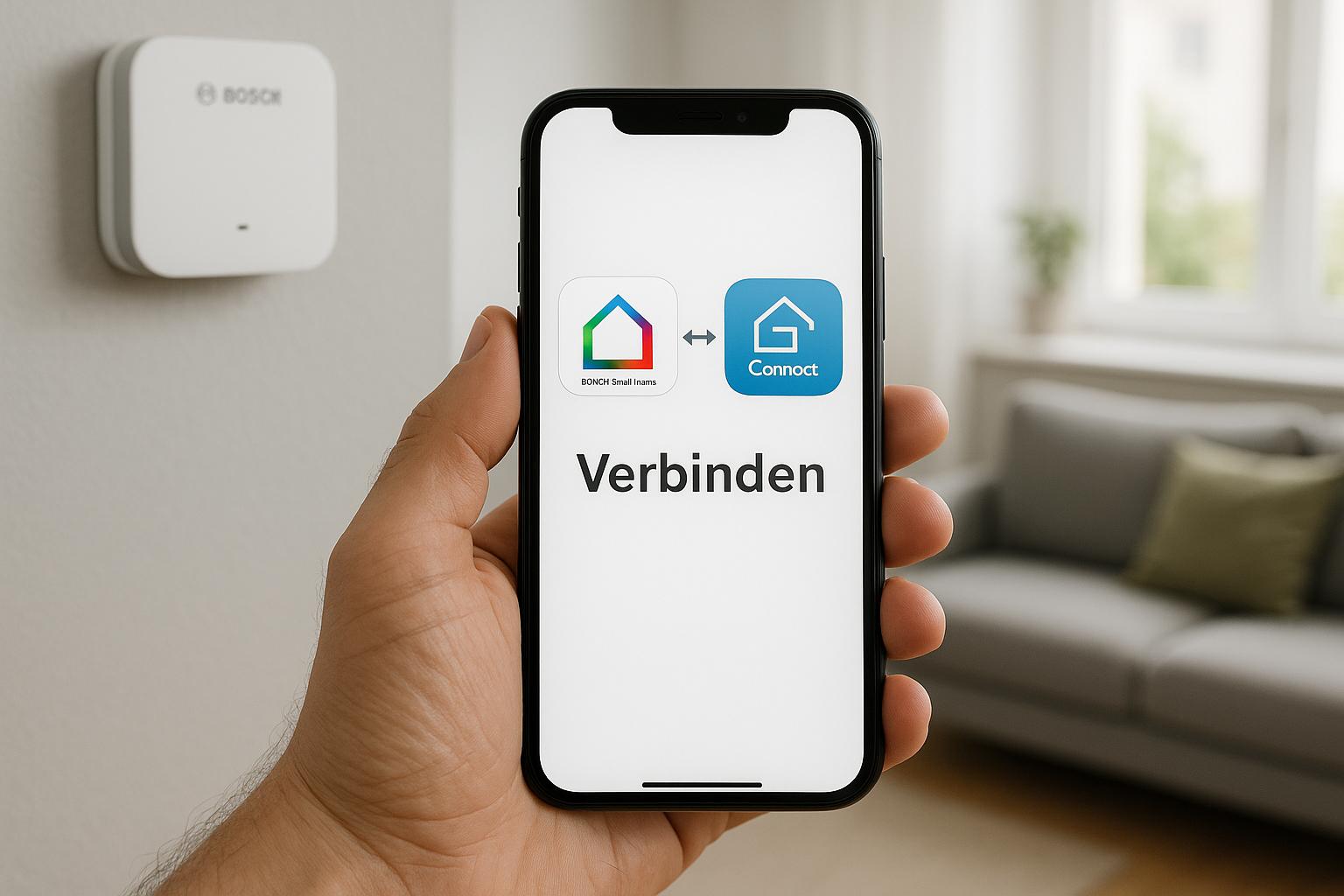
In short: Bosch Smart Home is the home automation platform with Controller II and automations. Home Connect is the platform for connected household appliances such as ovens, dishwashers, or refrigerators.
The key differences between the two platforms
In everyday use, the differences become very clear. Bosch Smart Home focuses on security, comfort, and automations. Typical components are smoke detectors, motion detectors, radiator thermostats, roller shutter controls, or smart plugs. These building blocks create routines: lowering the heating when a window is open, switching on the light when motion is detected, or triggering an alarm when a sensor reports unusual activity.
Home Connect sets a different focus. Here, household appliances, status messages, and remote control are at the center. In my experience, the platform is strong when you want to see appliance information centrally: Has the wash program finished? What temperature is set in the refrigerator? Does the coffee machine need descaling? This close connection to the appliance is Home Connect’s core competence.
From a journalistic point of view, the most important distinction is simple: Bosch Smart Home thinks in scenarios and rooms, Home Connect thinks in programs and appliances.
This also means that not every function from one world automatically appears in the other. An oven in Home Connect does not automatically become a fully featured smart home actuator in the Bosch system. Conversely, a Bosch Smart Home Controller does not replace the appliance control that Home Connect offers for household devices.
Clear separation of tasks between home automation and household appliances
Bosch Smart Home offers strong scenarios for security and comfort
Home Connect delivers detailed appliance status and remote control functions
Not every function is immediately available across systems
Some integrations require additional approvals or platforms
The dual app structure can initially confuse beginners
Compatibility and technical requirements
For both systems to work together at all, some basics must be in place. With Bosch Smart Home, the Controller II is the central requirement because it serves as the local control center for compatible smart home devices. In addition, you need the Bosch Smart Home app with a configured account. For Home Connect, in turn, you need a supported household appliance, a Home Connect account, and a stable Wi-Fi connection for the appliance.
From my experience, the network topic is especially important. Many problems are caused not by missing compatibility, but by unstable 2.4 GHz Wi-Fi, separated SSIDs, or weak router coverage in the kitchen. Dishwashers, refrigerators, or ovens in particular are often located in inconvenient places with mediocre reception. Before thinking about automations, the basic setup should therefore run cleanly.
In addition, you should check which device generation is supported. Not every connected Bosch household appliance can be integrated to the same extent, and not every function is identical in every region or firmware version. This applies especially if you want to work with Matter. The Smart Kitchen Dock plays an interesting role here because it can act as a Matter Bridge for selected Home Connect devices.
Area | Bosch Smart Home | Home Connect |
|---|---|---|
Central requirement | Controller II | Home Connect-enabled household appliance |
App | Bosch Smart Home app | Home Connect app |
Typical connection | Smart home wireless standards and home network | Wi-Fi and cloud connection |
Focus | Automations, security, comfort | Appliance status, remote control, programs |
Connecting Bosch Smart Home and Home Connect directly
The good news is: there are ways to link the two within the Bosch ecosystem. The direct connection mainly aims to integrate information from the household appliance world meaningfully into smart home processes. Depending on the supported feature set, states or notifications can flow into scenarios or at least be used within a coordinated overall logic.
Even so, you should know the limits. Native linking is not a complete merger of the two platforms. In practice, you do not automatically get access to every oven function, every wash program, or every appliance setting within Bosch Smart Home. Conversely, Home Connect does not become a full alarm or access platform. I would describe the direct connection more as a targeted bridge between two specialist worlds.
This is especially useful where status information creates added value. When a household appliance is finished, notifications can be integrated better into everyday life. If kitchen processes are combined with light, voice, or presence, the smart chain becomes understandable. However, anyone expecting both apps to work almost identically afterward will be disappointed.
My impression: the native Bosch/Home Connect integration is especially worthwhile for users who already use both systems and want to combine status data or selected routines.
Sensible integration via third-party platforms
It gets even more exciting when third-party platforms are included. After all, not every useful automation is created natively within the manufacturer ecosystem. Additional links can be created via Matter, voice assistants, or automation services. The Smart Kitchen Dock is particularly relevant here because it can bring selected Home Connect devices into other smart home environments via Matter.
From my perspective, this is an important step in development. Matter does not reduce every complexity, but it creates a common language between platforms. When a compatible kitchen appliance is integrated via the Smart Kitchen Dock as a Matter Bridge, new routines open up. Then, for example, a smart display can show appliance status, a voice assistant can announce progress, or a platform can integrate notifications into cross-system processes.
Classic automation services or voice assistants can also be useful in individual cases. However, I would always soberly examine whether the added convenience justifies the increased setup effort. Every additional platform also means more accounts, more approvals, and potentially more sources of error.
Examples of practical routines
The dishwasher reports the end of the program, and a notification appears in the living area.
When a cooking process starts, the kitchen lighting is automatically set to bright task lighting.
A voice assistant can report the status of the oven or coffee machine on request.
In an expanded Matter environment, selected kitchen appliances are integrated into central dashboards.
If you want to dive deeper, you should check the official compatibility lists: [url="https://www.home-connect.com/de/de",name="Home Connect",title="Diese Seite führt zu Home Connect Deutschland"] and [url="https://www.bosch-smarthome.com/de/de/",name="Bosch Smart Home",title="Diese Seite führt zu Bosch Smart Home Deutschland"] provide the most reliable information on supported devices and functions.
Typical use cases in everyday life
In everyday life, it quickly becomes clear whether integration is really worthwhile. I find combinations of notifications, scenarios, and energy overview particularly convincing. A classic example is the kitchen: when the oven is preheated, a status message is useful. When the dishwasher is finished and absence mode is activated at the same time in the house, a subtle reminder on the smartphone can be more useful than an acoustic signal on site.
Interesting connections also arise in cleaning and security. A washing machine or dishwasher technically belongs to Home Connect, but information about runtimes, remaining time, or program completion can be integrated well into the daily routine. This becomes especially pleasant when smart home components such as lights, displays, or voice systems are used as a complement.
Another point is the energy overview. It does not replace professional energy management, but it helps to better understand consumption patterns. In my experience, households that deliberately run their appliances at certain times while also not wanting to give up comfort benefit the most.
When the integration is especially convincing in everyday life
If a Bosch Smart Home with Controller II is already in place.
If several Home Connect devices are used regularly.
If status notifications are more important than pure remote control.
If Matter or voice control is desired as an additional layer.
Data protection, security, and practical recommendation
For all the enthusiasm about connectivity, data protection and rights management should not be underestimated. Bosch Smart Home works in many respects differently from a purely cloud-based appliance platform, while Home Connect naturally relies more heavily on online services and account connection. Anyone combining both worlds should therefore check carefully which approvals, cloud services, and user rights are active.
From my perspective, transparency is especially crucial. Households with several people should clearly define who may control appliances, who only sees status messages, and which notifications go to which smartphones. This prevents misunderstandings in everyday life and reduces security risks.
My practical recommendation is therefore nuanced. The integration is clearly worthwhile if you use Bosch Smart Home for automations and security and already have Home Connect in use for connected household appliances. Then a coherent ecosystem emerges in which information and processes come together meaningfully. If, on the other hand, you own only a single smart kitchen appliance and do not need automations, separate use is often simpler.
Question | Recommendation | Assessment |
|---|---|---|
Only want home automation? | Bosch Smart Home | Ideal for scenarios, security, and comfort |
Only want to control household appliances remotely? | Home Connect | Strong for appliance status and programs |
Want to combine both meaningfully? | Check integration | Especially interesting with Controller II and several devices |
Looking for cross-platform integration? | Matter via Smart Kitchen Dock | A future-oriented option for selected devices |
My conclusion: Bosch Smart Home and Home Connect are not competing products, but two building blocks with different tasks. This is exactly why the integration becomes useful once you understand their roles. First discover the native Bosch/Home Connect integration and then check whether Matter with the Smart Kitchen Dock brings additional benefits to your household.
- help
Can I integrate every Home Connect device directly into Bosch Smart Home?
No. The specific feature set depends on device support, the respective integration, and in some cases also firmware or platform status. That is why it is worth checking the official compatibility lists.
- help
What do I need the Bosch Smart Home Controller II for?
The Controller II is the hub for Bosch Smart Home. It controls compatible smart home components, manages automations, and forms the basis for many functions in the Bosch Smart Home system.
- help
What role does the Smart Kitchen Dock with Matter play?
The Smart Kitchen Dock can serve as a Matter Bridge for selected Home Connect devices. This makes it possible to integrate certain devices into compatible Matter environments and link them with additional smart home platforms.

